
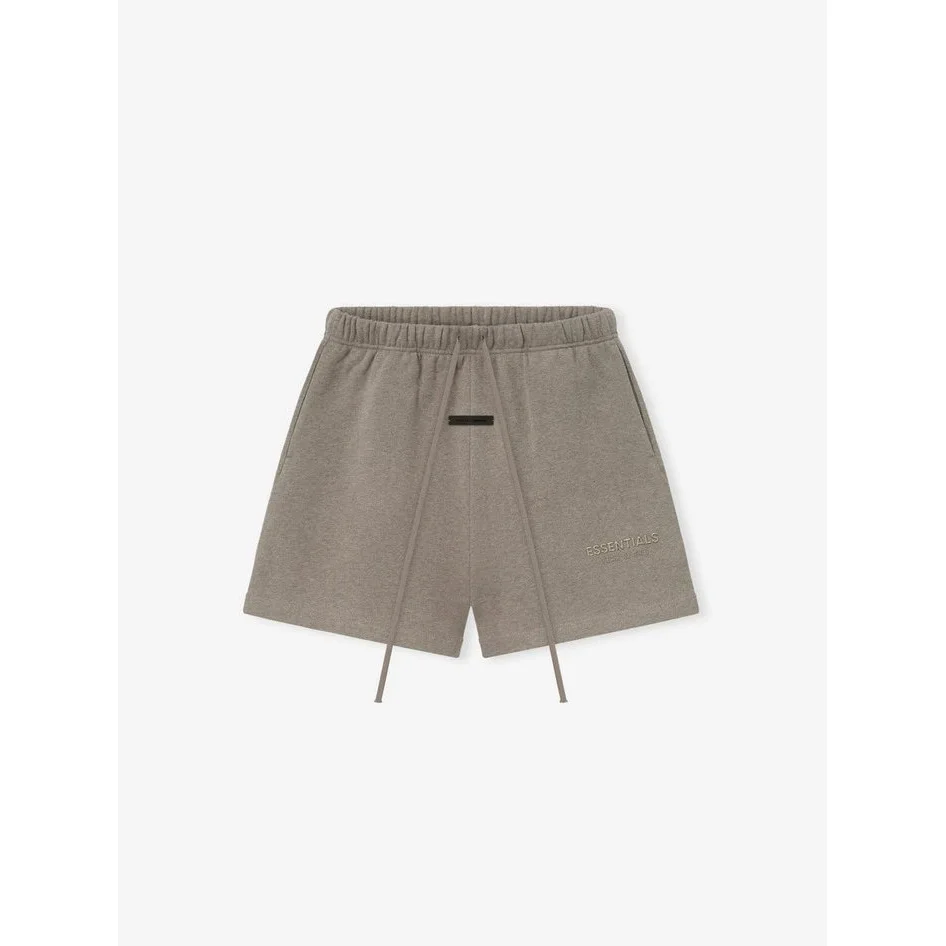
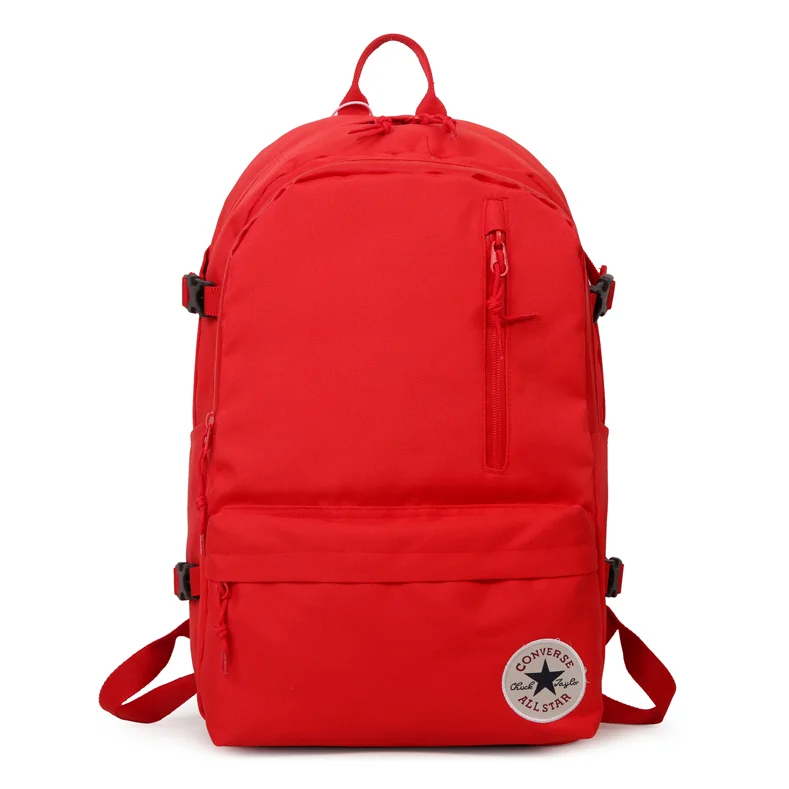
 7 QC photos listed
 YOUR NEXT FIND STARTS HERE Find your styleExplore the collection
 Check the detailsCompare before ordering
 Plan your haulKeep shipping in mind
Pikobuy Spreadsheet.
Browse Pikobuy Spreadsheet by product category and item budget. Compare listing photos and reference prices, then open the current product offer.
Find your styleExplore the collectionCheck the detailsCompare before orderingPlan your haulKeep shipping in mind
BUDGET FINDSSmall price.
Explore under ¥150
Small price.
Big possibilities.
Explore under ¥150 THE LAYERING EDITYour next haul,
Discover the edit
Your next haul,
a little warmer.
Discover the edit NEW TO SPREADSHEETS?Good finds start
Start here
Good finds start
with a good guide.
Start here FIND YOUR SECTION
All categories Categories
CURATED PICKS
Explore Pikobuy Spreadsheet for More Finds Featured finds
7 QC photos listed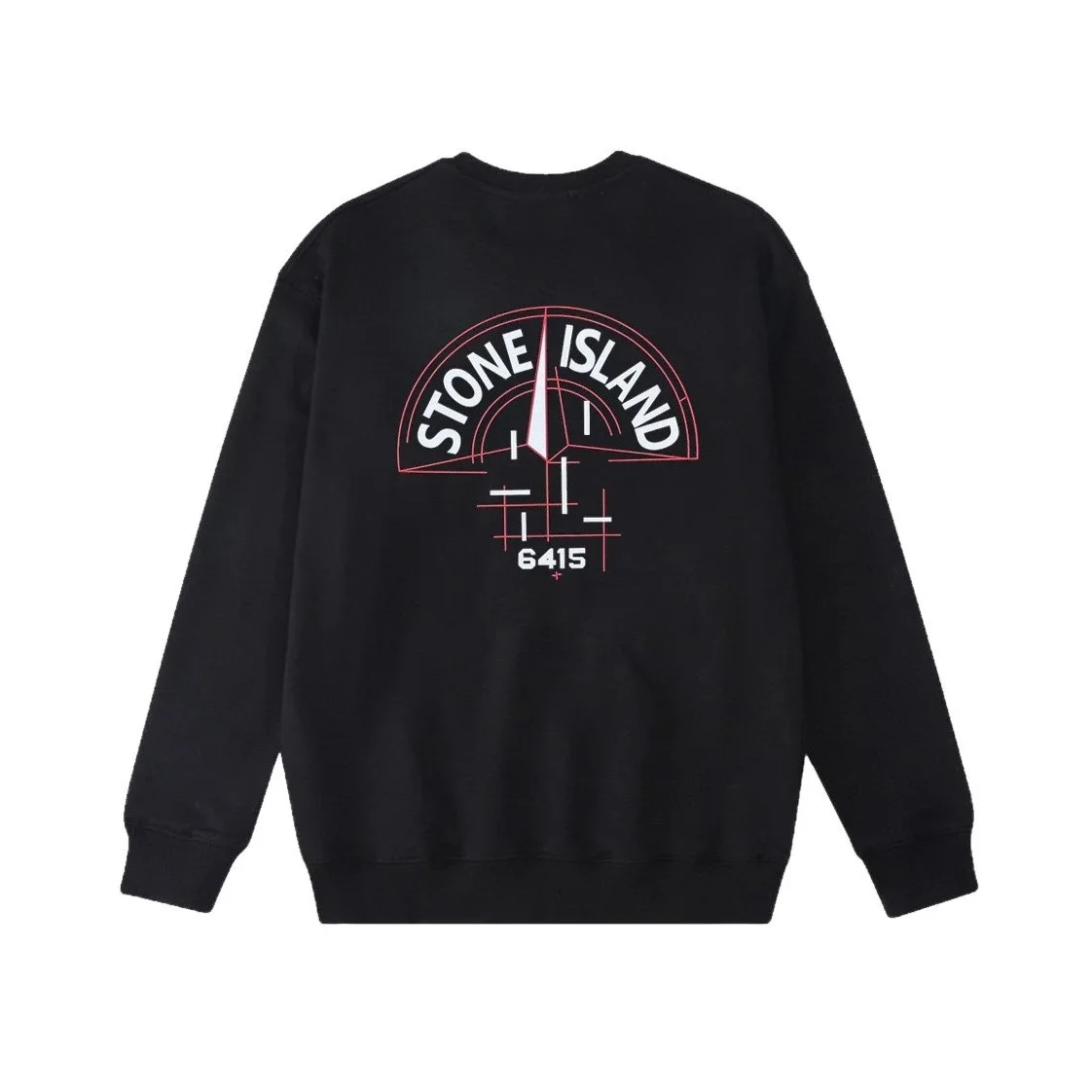
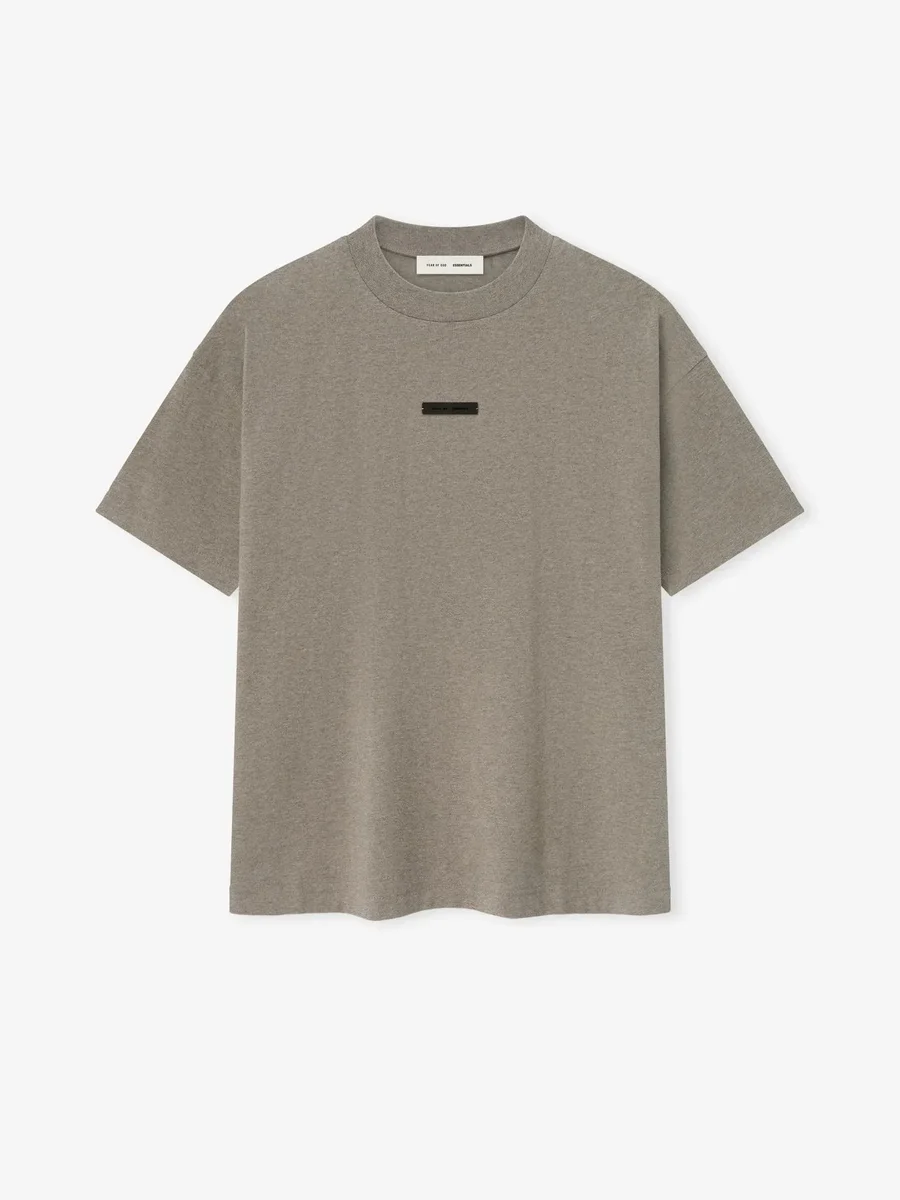
 3 QC photos listed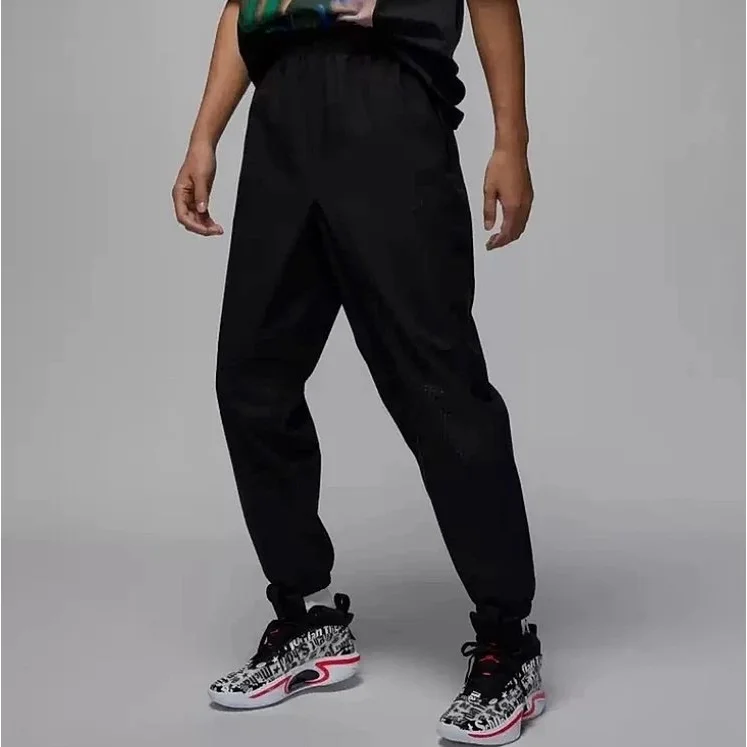
 7 QC photos listed
 6 QC photos listed
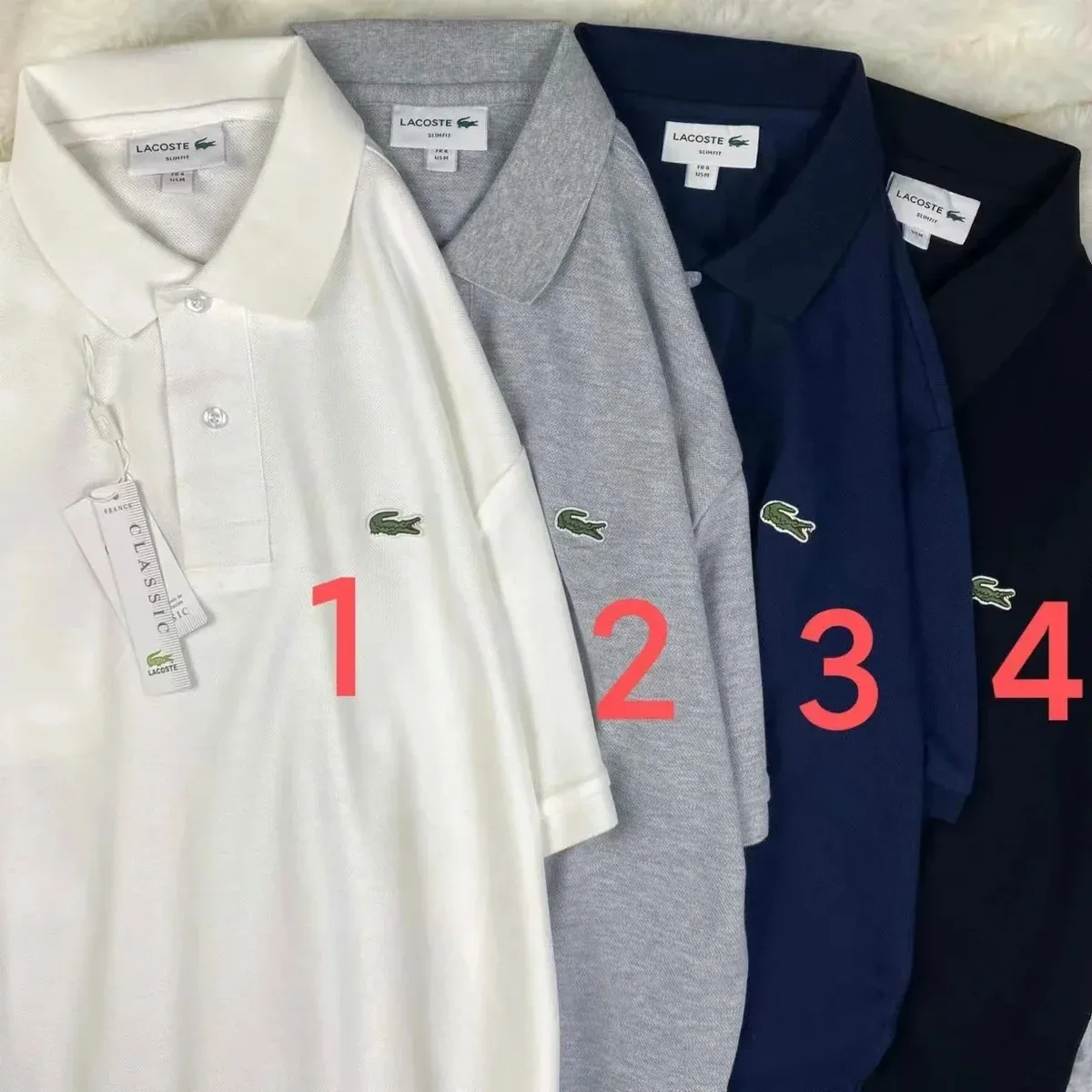
 3 QC photos listed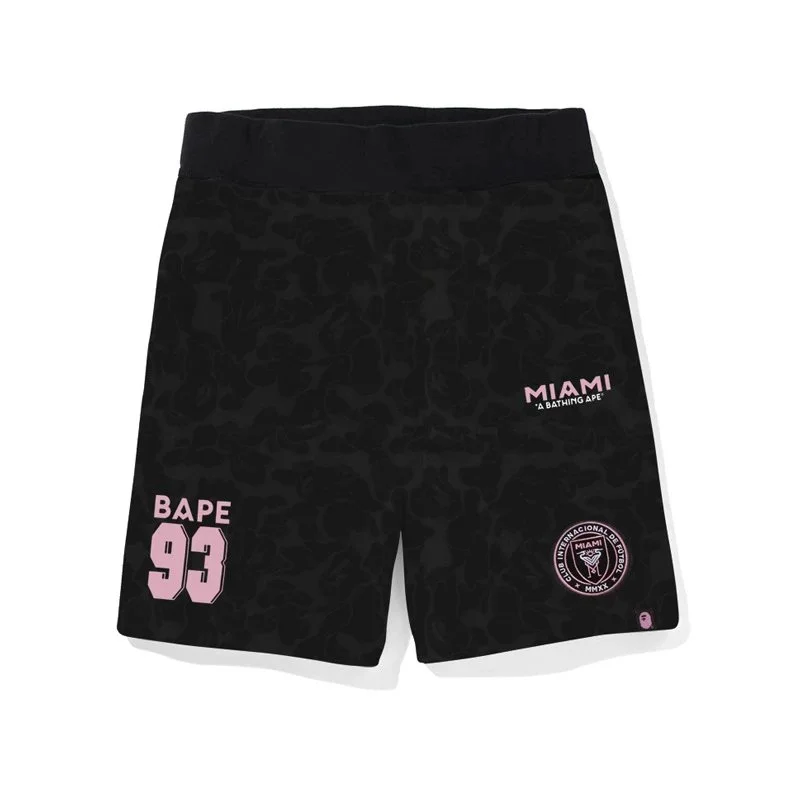
 4 QC photos listed
 5 QC photos listed
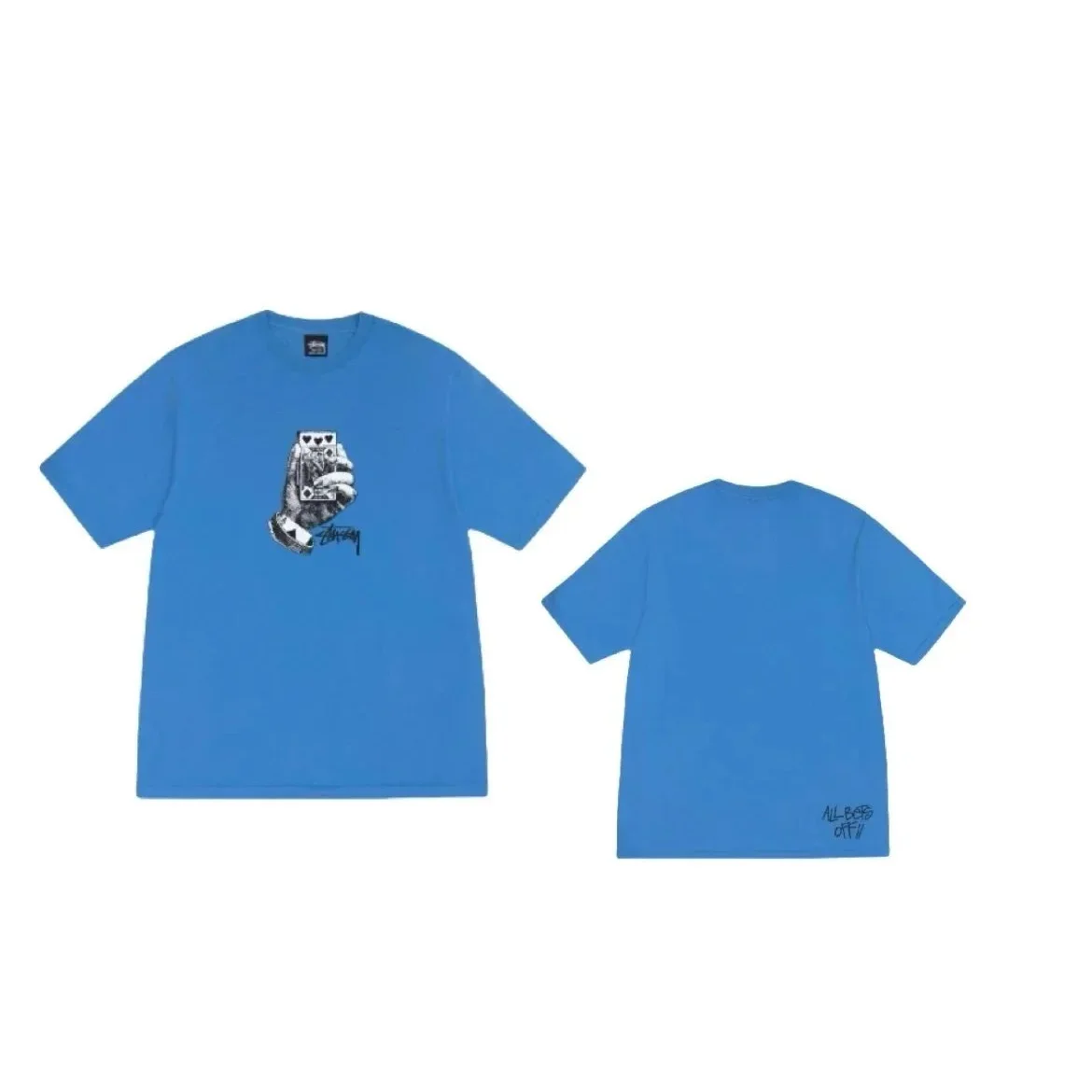
 3 QC photos listed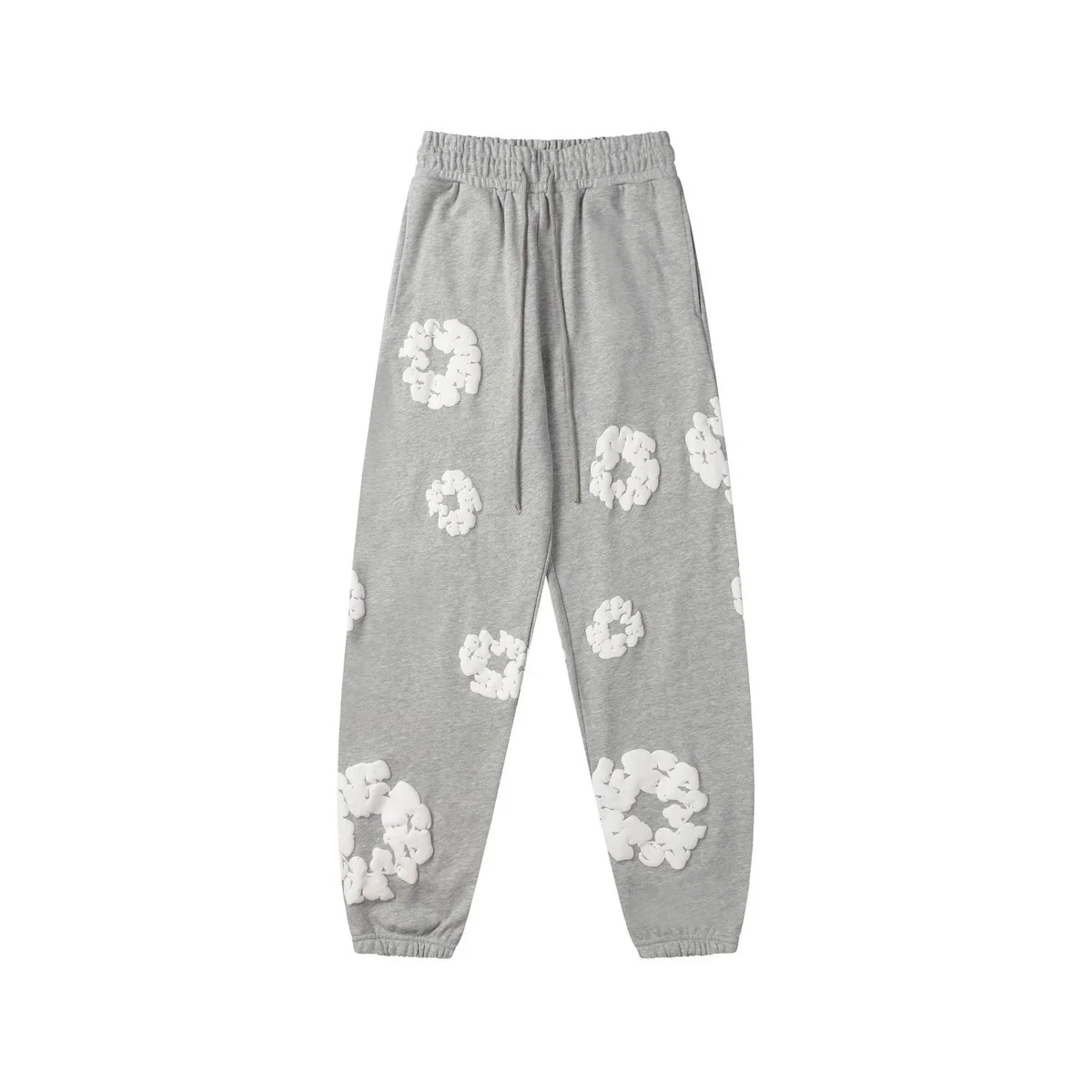
 3 QC photos listed
 6 QC photos listed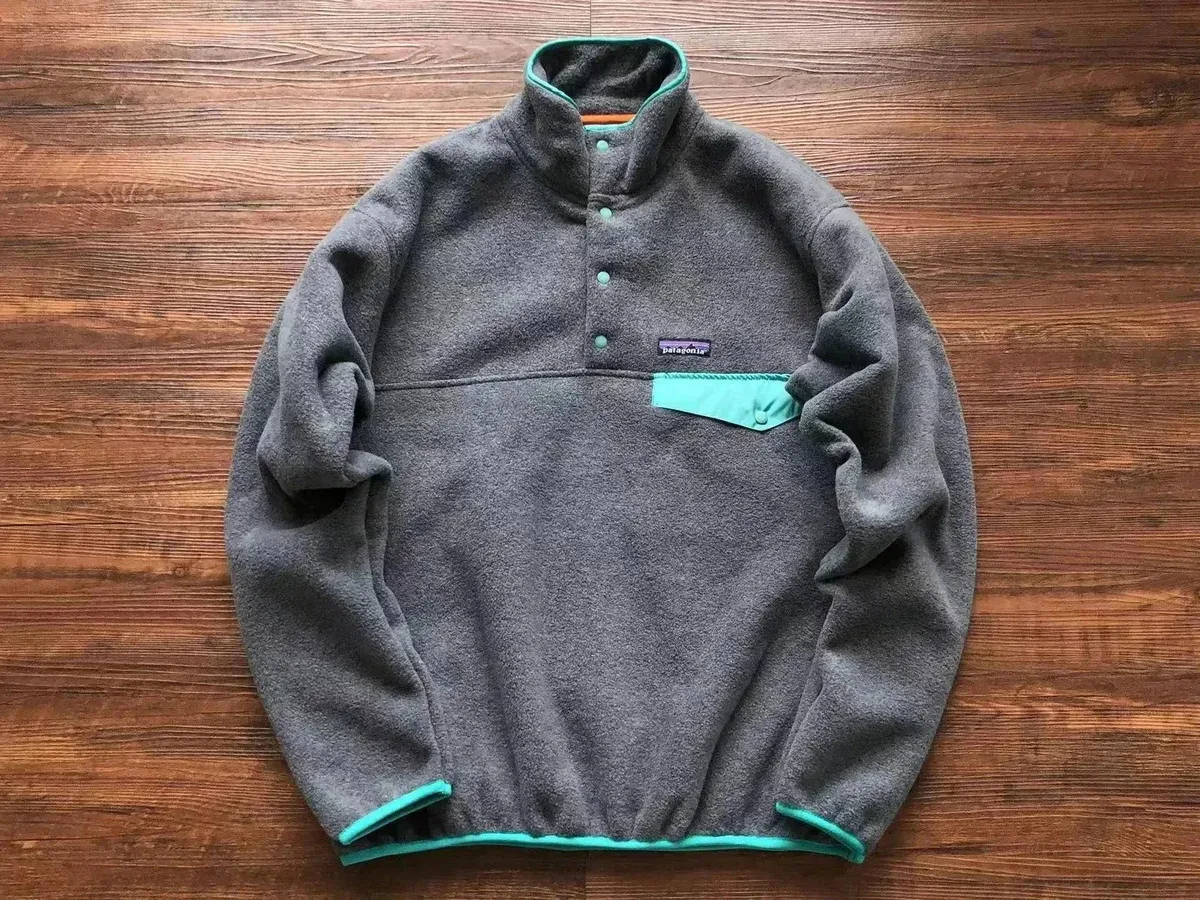

 3 QC photos listed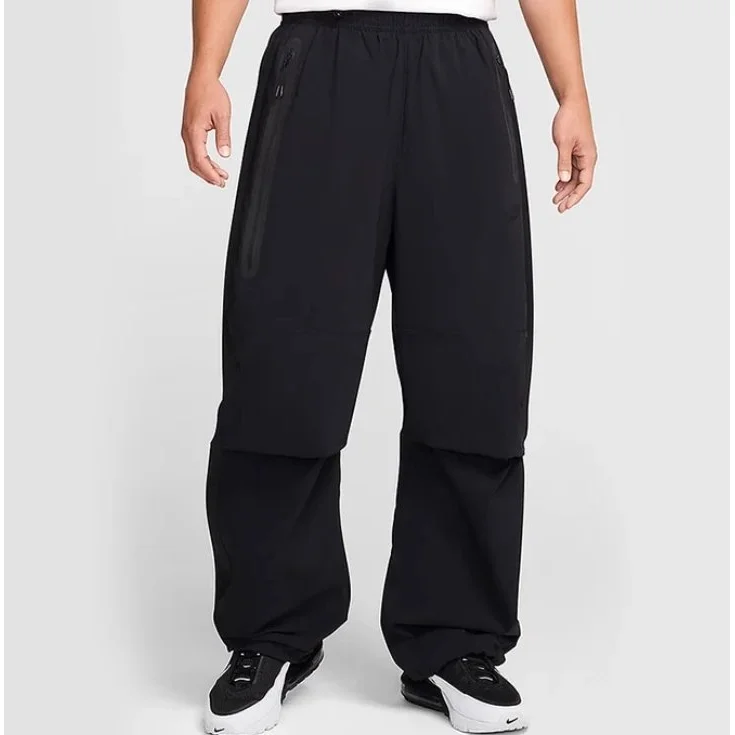
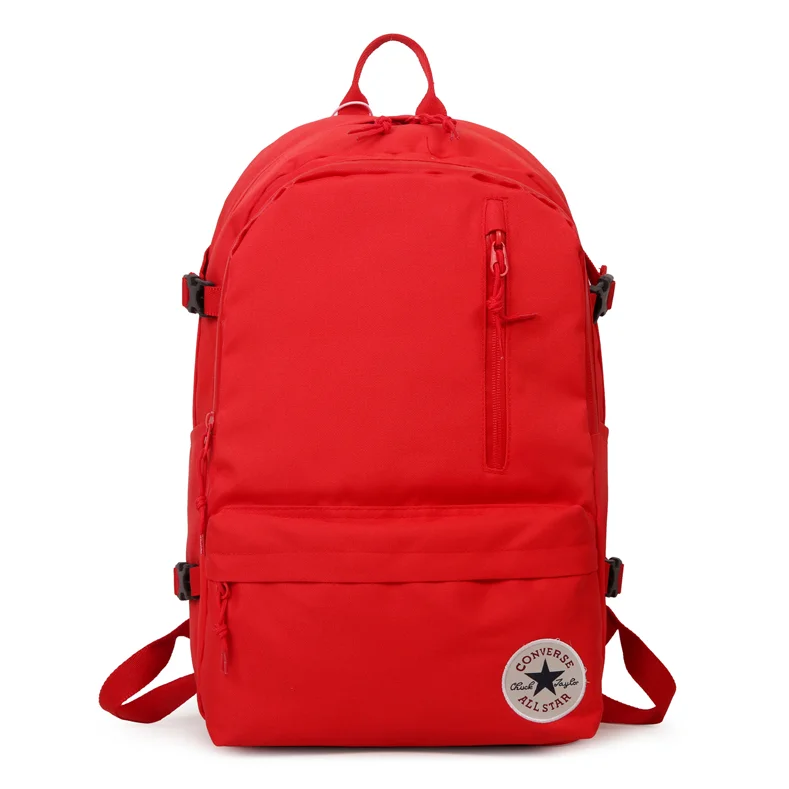
 5 QC photos listed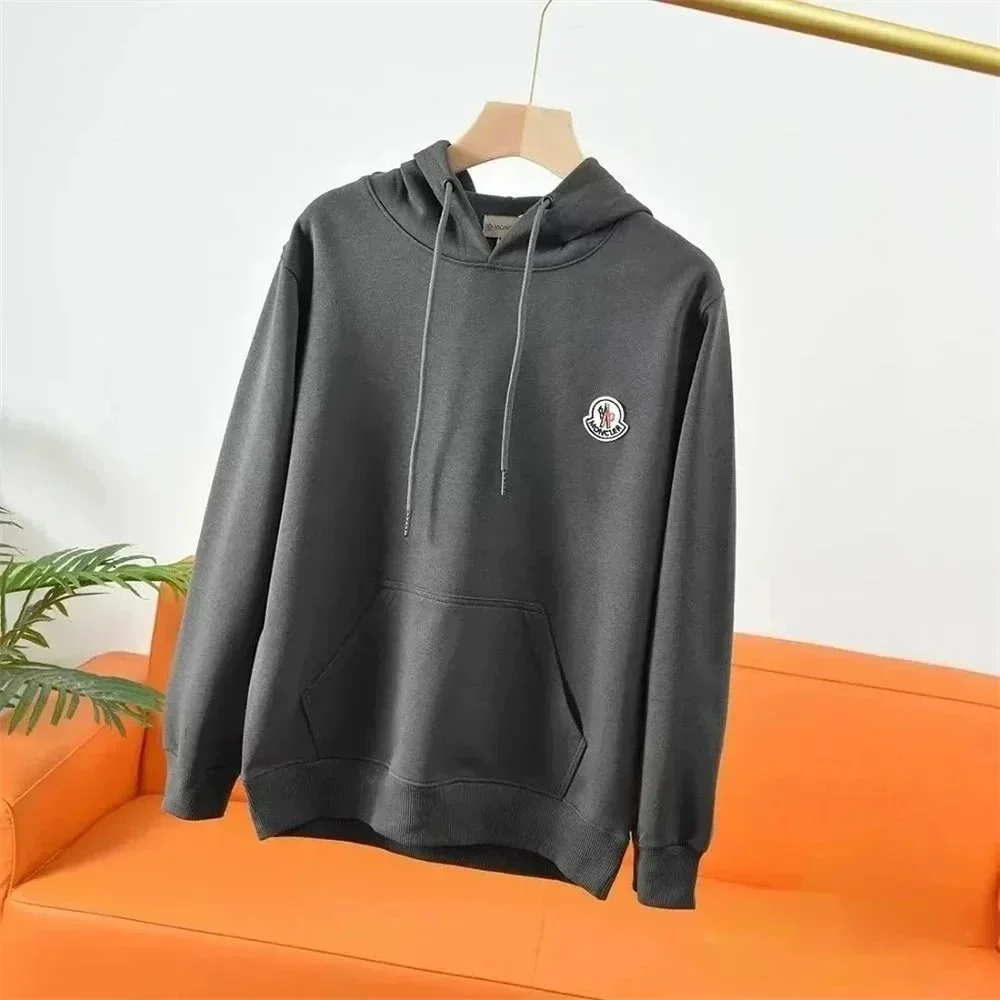


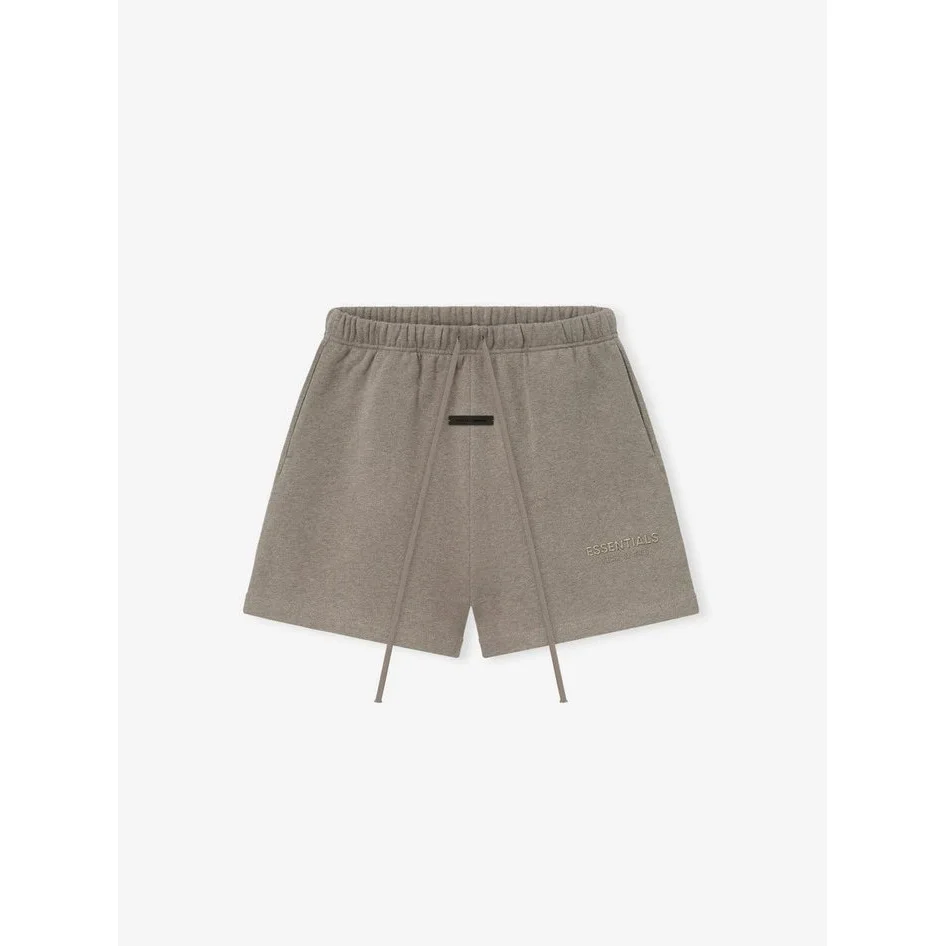


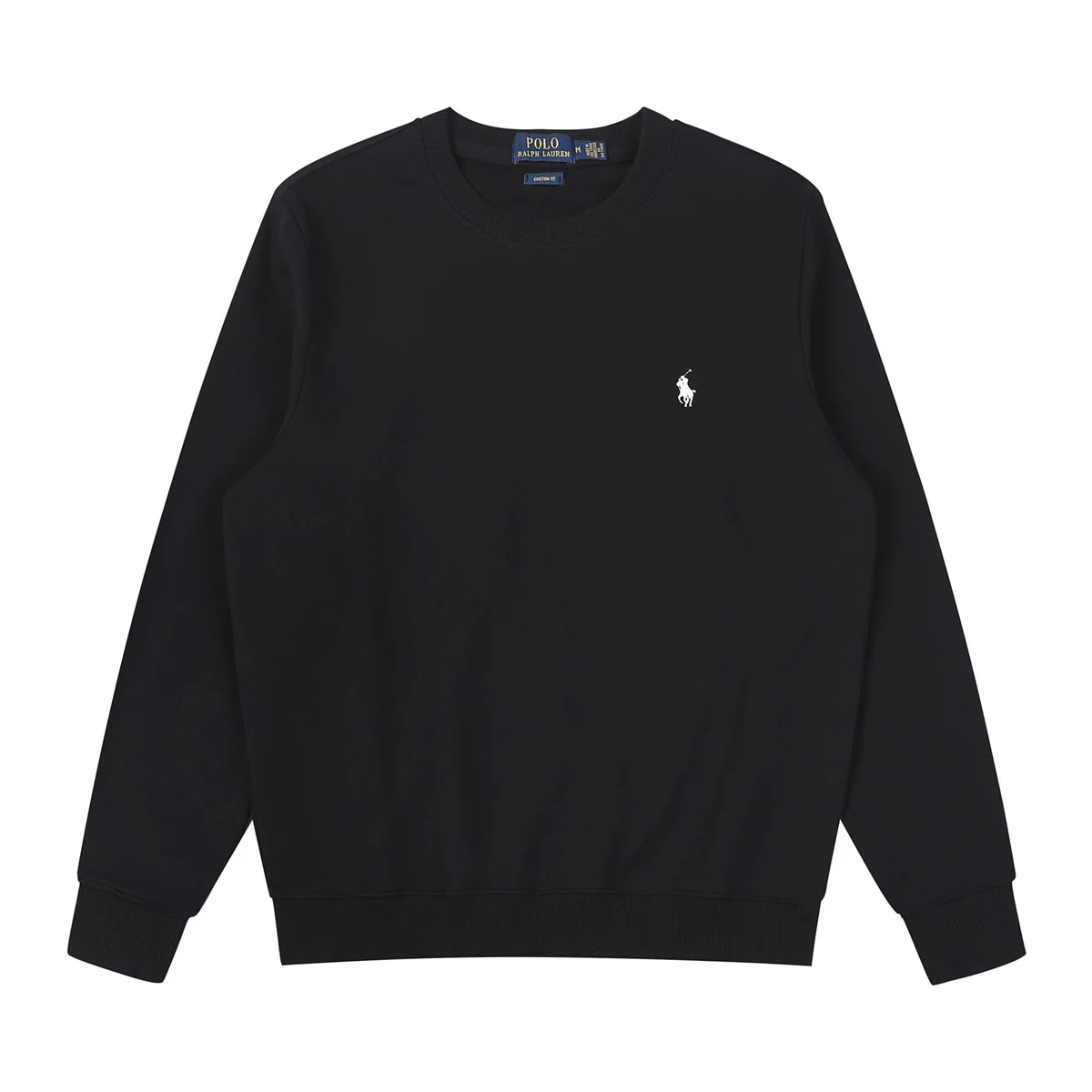
Reference item prices · Currency shown on each card · Shipping and fees are separate
Buying guides
Product checks
Pikobuy QC photos of your own order: inspection checklist
Check the QC photos of your received order before international dispatch: confirm the variant, labels, quantity and visible condition, then request missing views.
Read the guide 3 min readProduct checksPikobuy size guide: read charts and compare measurements
Choose a size by comparing seller measurements with a garment or pair that fits. Distinguish body measurements, garment circumference and flat width.
Read the guide 3 min readCosts & shippingPikobuy shipping cost: weight, dimensions and route choices
Prepare a shipping estimate from the packed weight and dimensions. Compare parcel volume, protection and route billing rules before confirming dispatch.
Read the guide 3 min readFrom the blog
LISTINGS & PRICE COMPARISONS10Pikobuy Spreadsheet: Why Products Repeat and Prices DifferUnderstand why a spreadsheet can show repeated product photos and different prices. Separate seller listings, variants and recorded dates before comparing offers.Oct 20, 2026 · 3 min readPUBLIC QC & BUYING EVIDENCE11Public Pikobuy QC photo counts: what can they prove?Learn what public QC photo counts can and cannot show about earlier warehouse arrivals. Check the photographed variant and date separately from your own order.Oct 20, 2026 · 3 min readSHIPPING QUOTES & PARCEL COST12Pikobuy Shipping: Why Two 2 kg Parcels Cost Different AmountsWhy can two 2 kg parcels have different shipping quotes? Compare dimensions, volumetric weight, included fees and route rules in the article’s examples.Oct 20, 2026 · 3 min read
Pikobuy Spreadsheet FAQ
Answers about browsing, product links, QC photos and costs.
What is a Pikobuy spreadsheet?
A Pikobuy spreadsheet brings product finds and links together for comparison. This directory presents finds by product category and budget, with listing images and reference prices. It is a starting point for research, not a stock list or a guarantee of product quality.
How do I browse or search for products?
Choose a category or start with finds under ¥150. Product cards open the linked product page in a new tab. The search box and “Browse spreadsheet” buttons also open an external catalog in a new tab; they do not search this website.
Is browsing the spreadsheet free?
Yes. You can browse this directory and open its links without creating an account here. Buying an item is a separate action on the destination service, where account requirements and any charges apply.
What does “QC photos listed” mean?
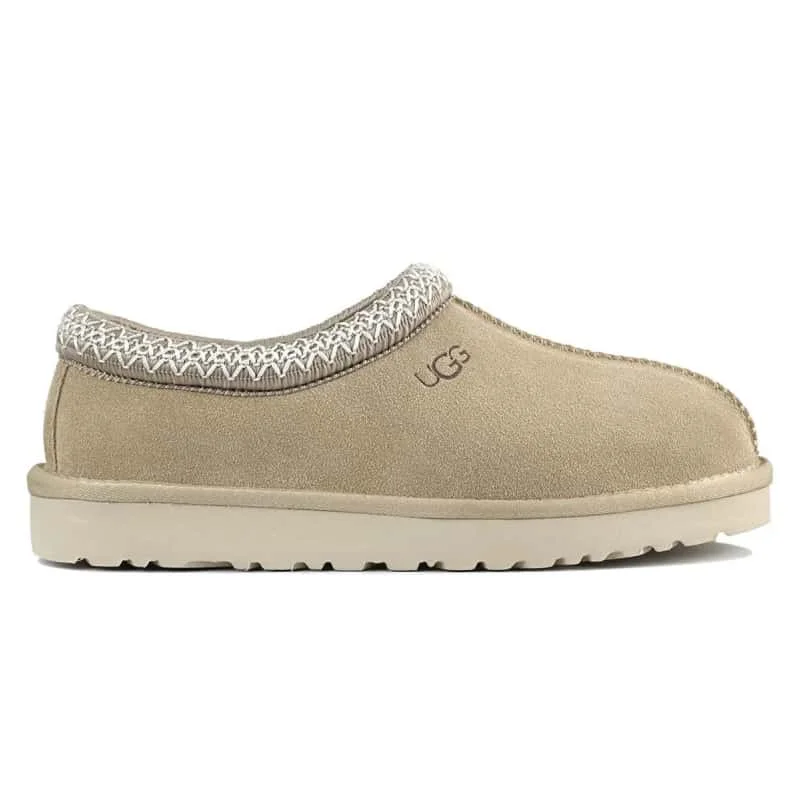
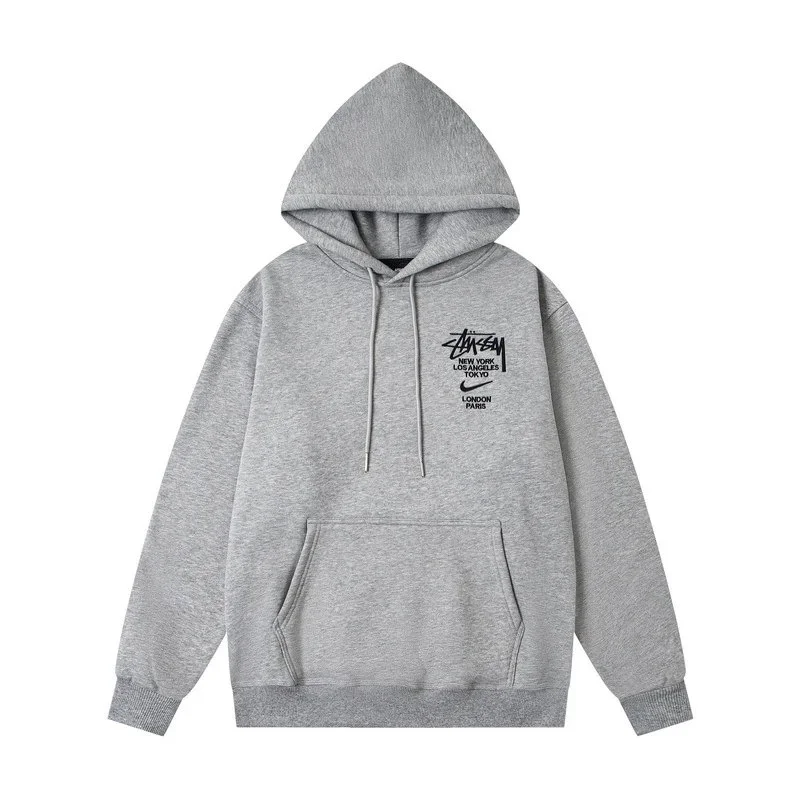
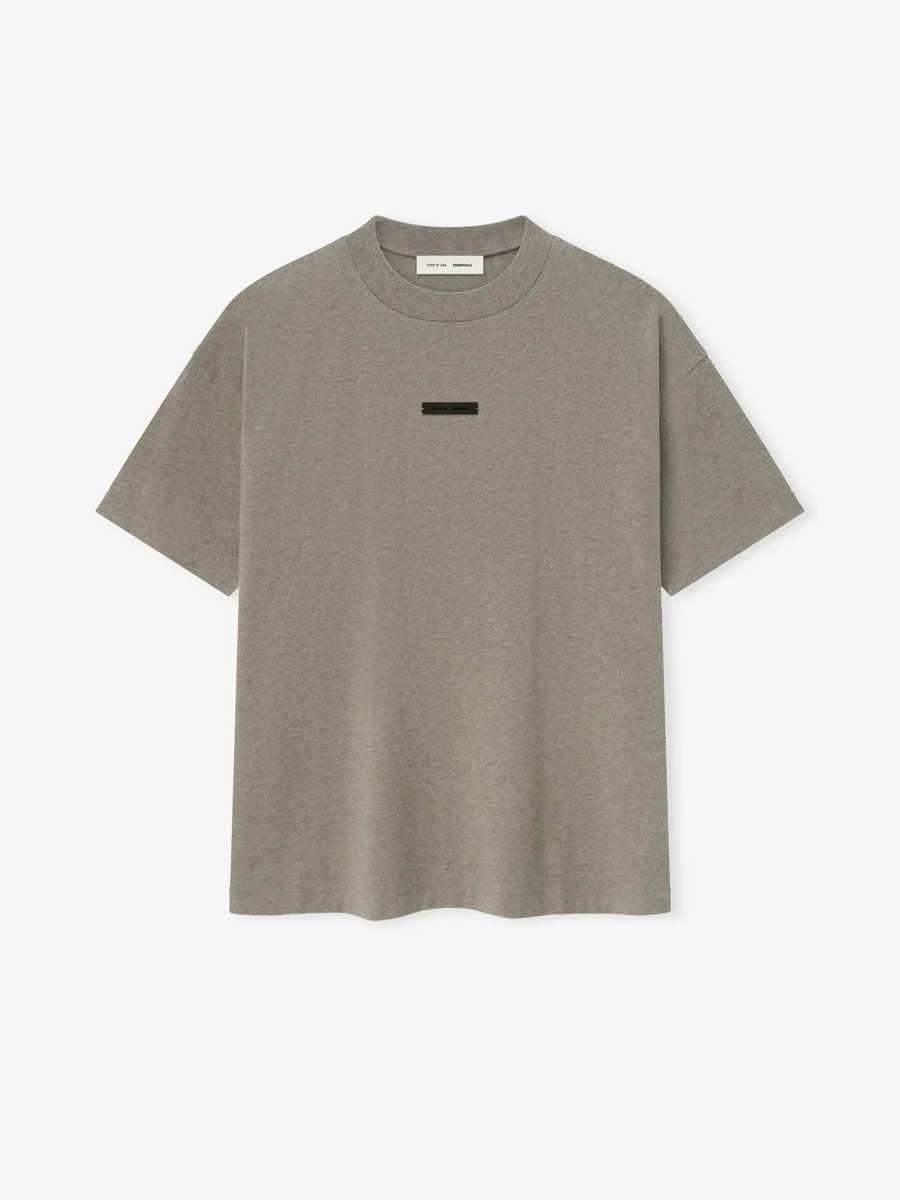
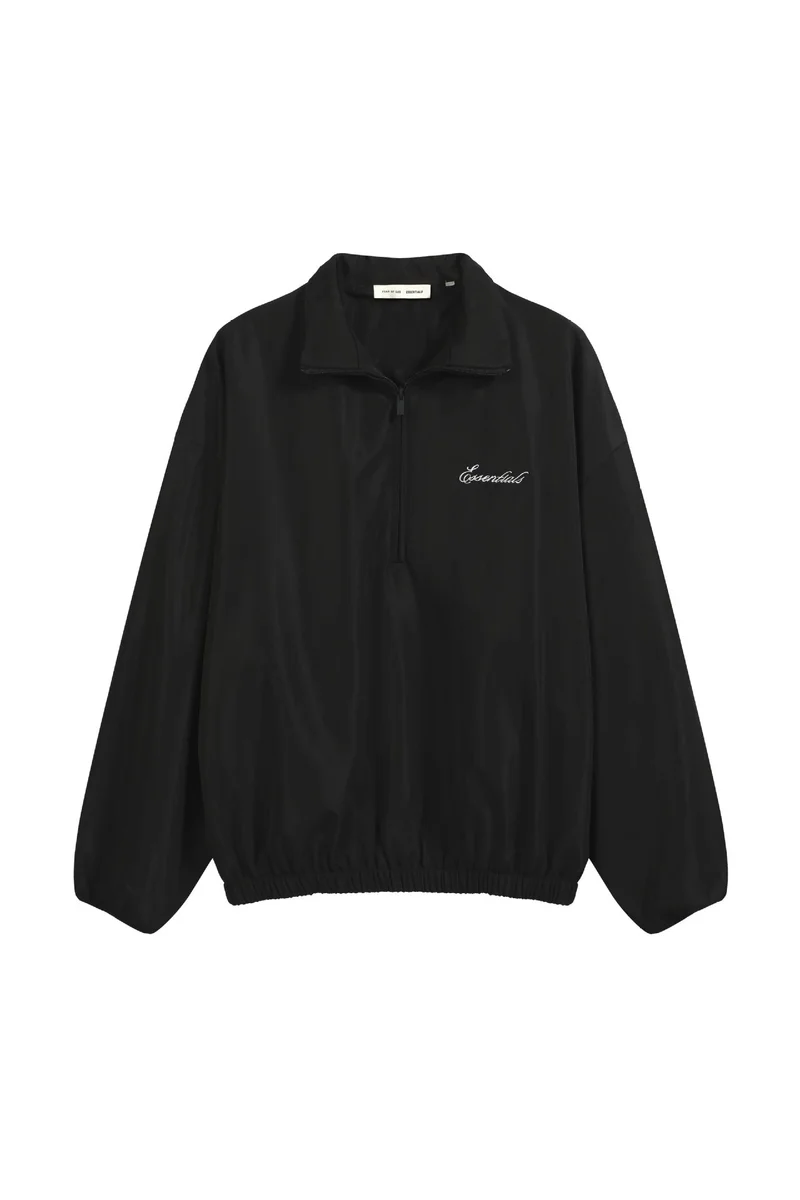
The badge reports the QC photo count supplied by the linked catalog at our catalog snapshot. The card thumbnail is a listing image; the badge does not mean we inspected the product or that those photos show your own order. Open the gallery and check the matching variant. See what public QC photos can and cannot tell you.
Do the displayed prices include shipping and fees?
No. The cards show reference item prices in the stated currency, not a delivered total. Shipping, applicable taxes and service or domestic delivery charges may add to the cost. Confirm the selected variant and current total on the destination service. Our shipping cost guide explains what to budget for.
What if the price changes or a product link stops working?
Use the current destination listing for price and availability; this directory is a catalog snapshot. Try the product name or reference in the search box if a link is unavailable. Before choosing a replacement, compare the model, seller details and selected variant rather than relying on a similar image. See the product link guide.
How do I choose the right clothing or shoe size?
Compare the listing’s measurements with a similar item that fits you. Check whether the chart uses body or garment measurements, and distinguish foot length from insole length. Do not rely on a size letter or assume every item needs sizing up. Use the size chart and measurement guide for the comparison.
Is this the official Pikobuy website, and who handles my order?
No. This is an independent product-discovery directory, not operated by Pikobuy. It does not take payments or handle purchases, parcels or refunds. For an existing order, contact the service where you placed and paid for it, using its order reference.
Keep exploring Pikobuy Spreadsheet
Browse shoes, clothing and accessories for your next shortlist.